Why People Search for an Eye Color Scanner Online
Usually the reason is simple: they have a photo, they want a quick read, and they do not want to spend fifteen minutes comparing eye charts on beauty blogs.
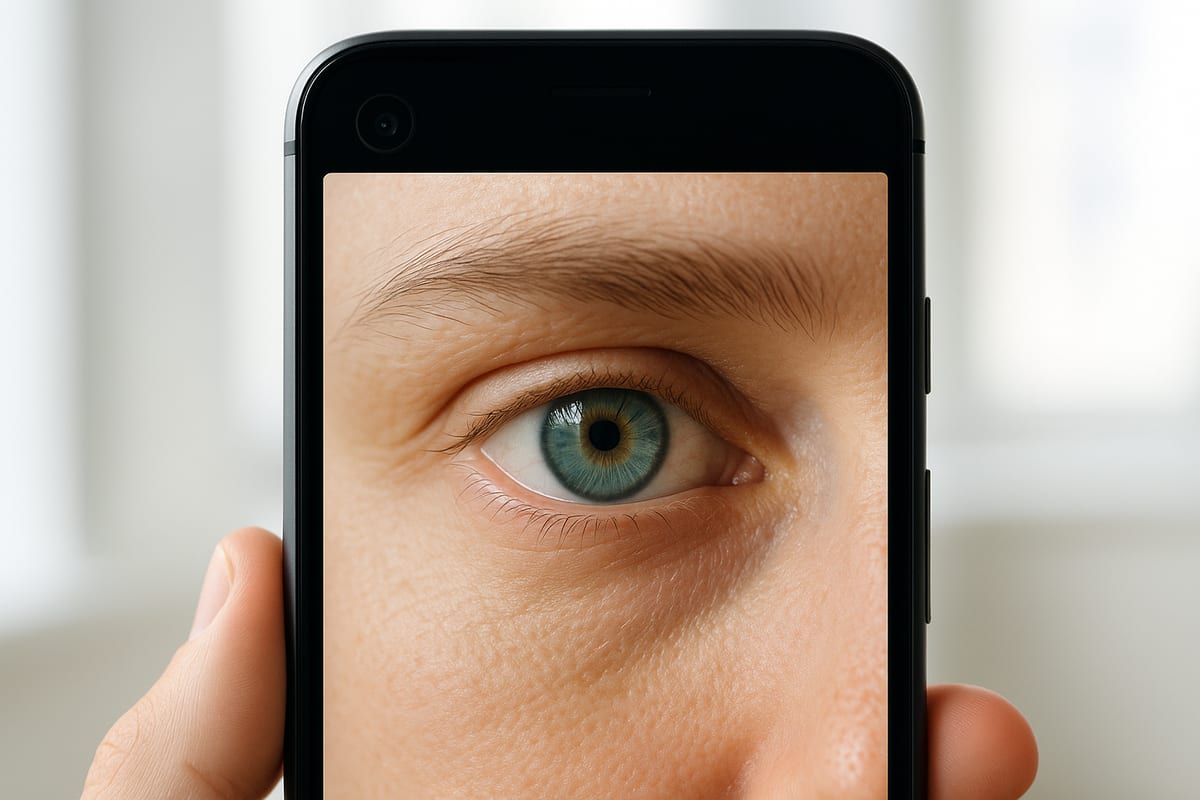
That search intent is practical, not academic. People want to upload a picture, get a clear answer, and understand whether their eyes are blue, gray, green, hazel, amber, or some in-between mix.
What an Online Eye Color Scan Can Do Well
A solid scan can pick up the obvious base color quickly and surface details people tend to miss, such as green around the rim, gold near the pupil, or cool gray shading over blue.
It is especially helpful for mixed eyes that change dramatically with light. That is where a scanner can be more useful than casual guessing.
What Makes a Scan Accurate
Image quality matters more than people think. The best scans come from a close, sharp photo in natural light with the iris fully visible and no beauty filter softening the details.
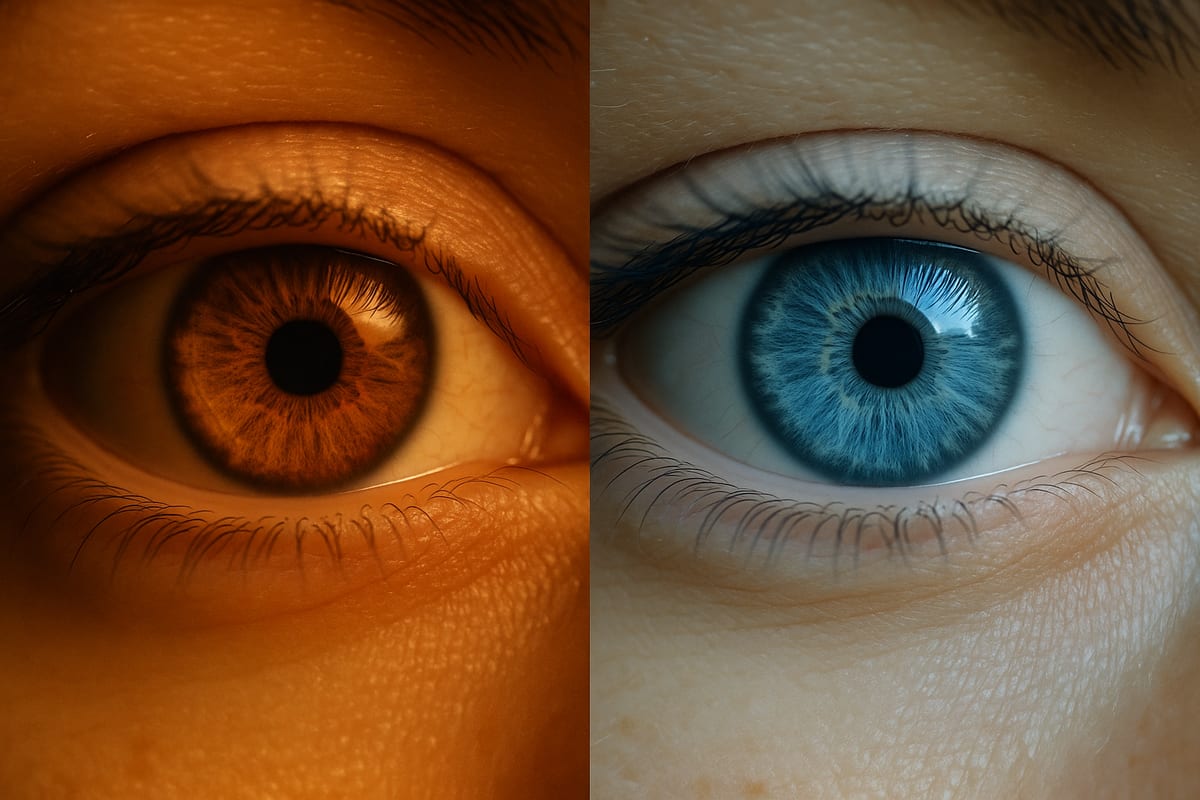
If one half of the eye is in shadow or the image is compressed to mush, the result can drift toward the wrong category. That is why two photos of the same eye can produce different labels.
Best Practices Before You Upload a Photo
Wipe the camera lens, stand near a window, and take two or three photos instead of one. Use the clearest image where the eye is open, centered, and not tinted by a strong room color.
Avoid screenshots from social apps when you can. They are often compressed and color-shifted before you ever save them.
How to Read the Result Without Overthinking It
Treat the first result as a starting point. If the scan says hazel, ask what made it say hazel. Was it the green ring, the gold center, or the brown base? Good tools should make that easier to understand.
If you are still unsure, compare the scan with a chart page or a specific comparison like hazel vs. green or amber vs. brown. The combination of scan plus reference page is usually stronger than either one alone.
Where Online Scanners Usually Struggle
They struggle with small eyes in frame, heavy mascara shadows, red-eye correction, colored contacts, and photos taken from several feet away.
They can also struggle with people whose irises look different across settings. That does not mean the scan failed. It often means your eyes really do sit near a boundary between categories.
If You Want a Better Answer Than a One-Word Label
Look for a result that explains undertones, patterning, and rarity instead of stopping at one color word. The best scans help you understand why your eye reads the way it does.
That is more useful than a flat label because eye color is visual, layered, and often more interesting than the standard categories suggest.